Booking and rates
Book up to six months ahead. The available rate is applied automatically based on the date and duration you select.
Usage Guide
Reservations for Gaien Piano Salon are made through our online booking system. This guide summarizes what to check before booking, how to use the room on the day, and where to find rates, ticket passes, and cancellation rules.
For travelers
If you have just arrived from overseas, your practice rhythm may feel different while you adjust to the time zone. Please choose a reservation time that fits your body clock, while keeping setup, cleanup, and exit within your booked time.
Book up to six months ahead. The available rate is applied automatically based on the date and duration you select.
Purchase and use ticket passes after signing in to your free member account.
Regular bookings are available from 5:00 to 24:00. Eligible returning members can book the 24:00-5:00 night package from My Page.
Up to three guests are included. Update your party size in My Page before the booking starts; a fee applies from the fourth guest.
The booking process is completed on the booking page. This website keeps the main guidance, rates, and policy information easy to find.
Check real-time availability on the booking page. Reservations are completed on the booking system, not inside this website.
Choose the date, start time, and length of use up to six months in advance. The suitable rate plan is applied automatically based on your selection.
For bookings more than 90 days ahead, please use credit card payment or ticket balance. Bank transfer is available only for bookings within 90 days when shown on screen.
After booking, please read the confirmation email carefully. Entry instructions and reservation details are sent by email.
Come to the room at your reserved time, follow the entry instructions, and leave within your booked time.
Auto-lock instructions are provided in the reminder email sent shortly after 6:00 p.m. the day before your visit, and can also be checked in My Page on the day. The Room 701 door unlocks automatically shortly before your reserved time.
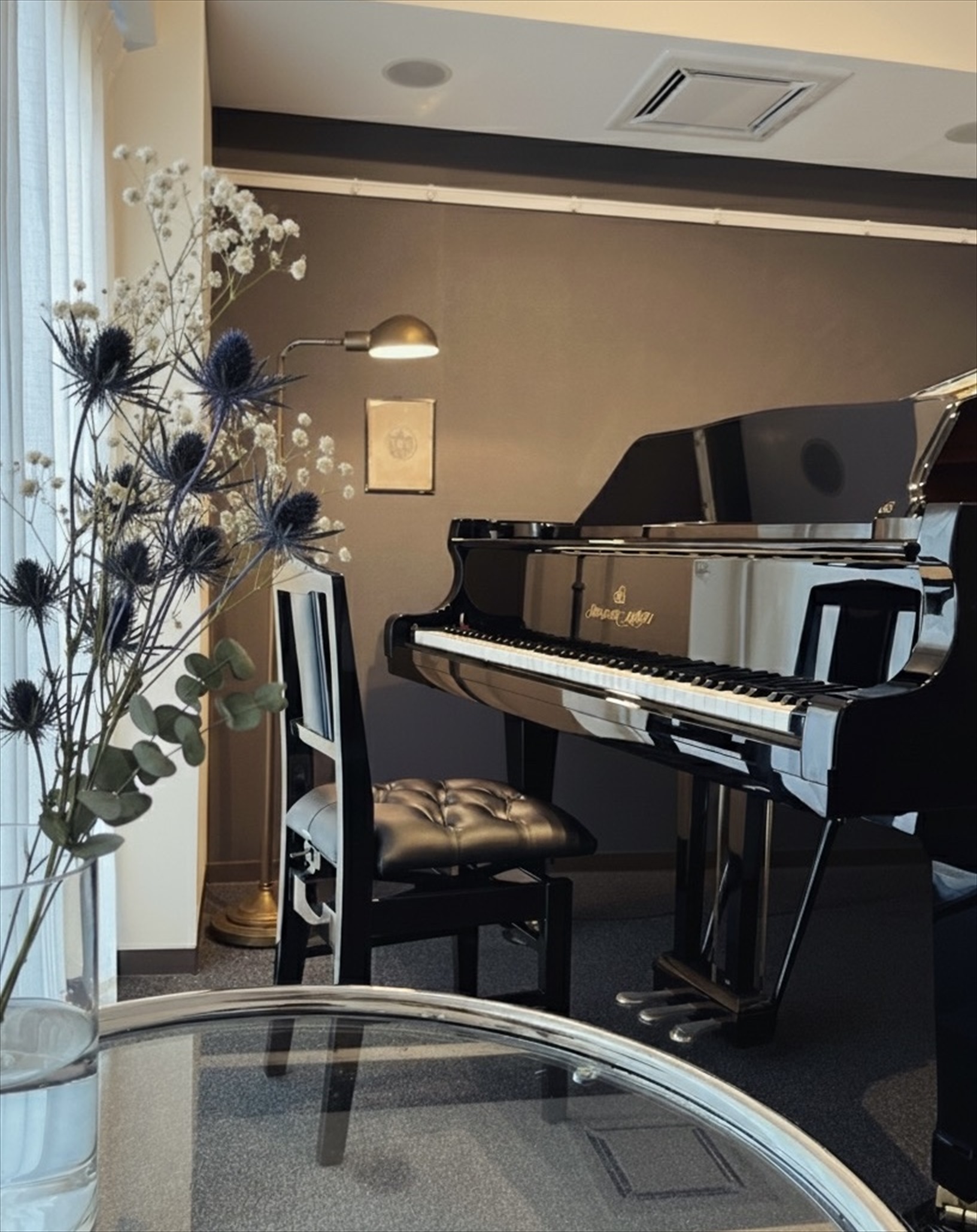
Keep the soundproof door closed and use the piano, music stand, lights, and room equipment with care.
Please check your belongings, lights, air conditioner, music stand, and room condition before leaving within your reserved time.
Please see the pricing page for regular rates, weekend and holiday rates, long-use rates, and the night package. The booking system applies the available plan based on the date and duration you select.
PricingTicket passes can be purchased and used after login. Please check your balance in My Page before making a booking.
Ticket PassesThe standard cancellation deadline is 72 hours before the booking start time. Please check the cancellation policy for details, including the 30-minute grace period after booking creation.
Cancellation Policy